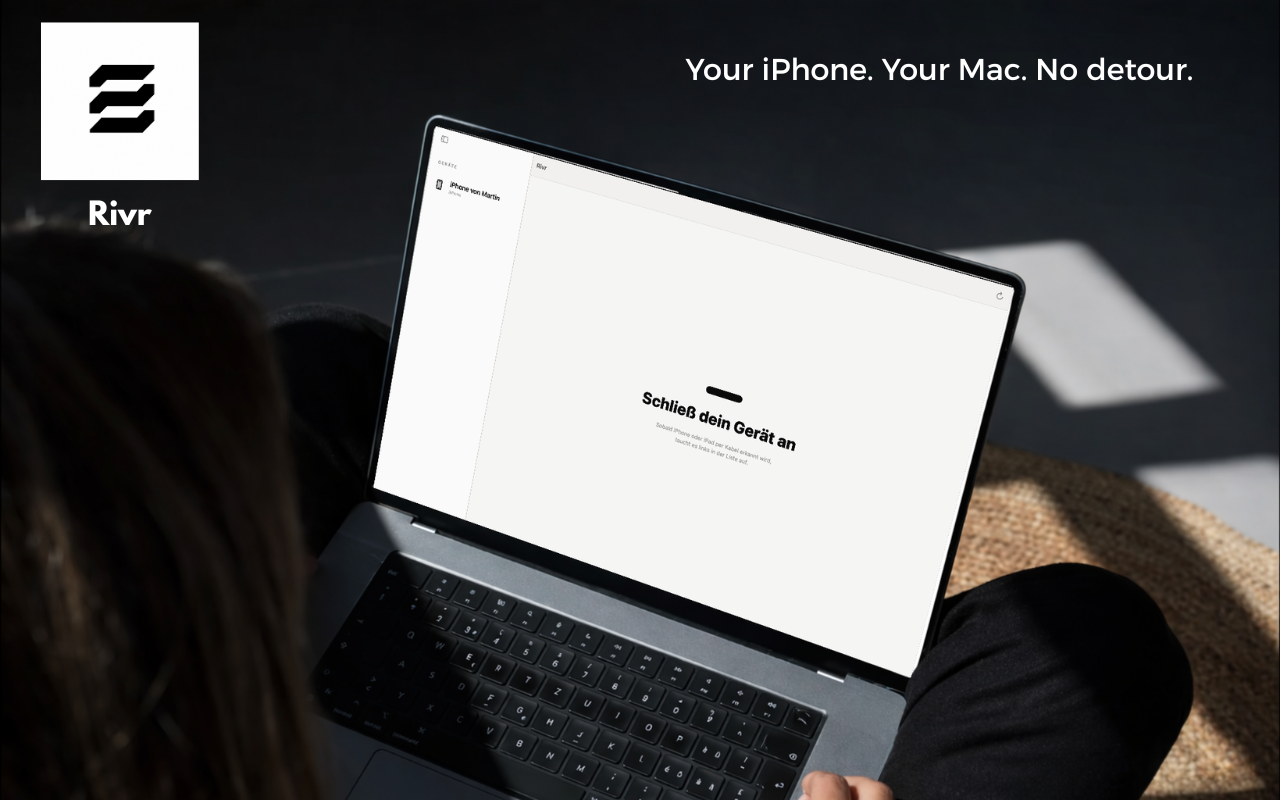
Rivr transfers photos, videos and files from your iPhone directly to your Mac or any external drive. No cloud, no forced subscriptions, no detours.
Six well-designed features instead of fifty buttons no one uses.
Auto-select the 10, 50 or 500 largest files — perfect for freeing up storage fast.
Filter by photo/video, date (today, week, month) or custom range. Sort by size or name.
Transfer to any mounted drive. Optionally sort into year/month subfolders automatically.
Optionally remove files from the iPhone after a successful transfer. With confirmation — no accidents.
No cloud, no servers, no telemetry. Your data stays between your iPhone and your Mac. Period.
Rectangle select like in Finder. Shift+click for ranges, Cmd+click to toggle. Built for power users.
How does Rivr stack up against iCloud, AirDrop or iMazing?
Which is cheaper, faster, more private? A direct comparison of two ways to back up iPhone photos.
Read comparison →AirDrop is great for 5 photos. But 5,000? Bulk transfer needs a different tool.
Read comparison →5 ways to free up space on your iPhone — and which one is actually fast.
Read article →Pick a plan or pay once. Cancel anytime.