Free · No cloud · No subscription

iPhone photos, straight to your Mac.

Rivr is the fast way to move thousands of iPhone photos and videos over USB to your Mac or an external drive. No iCloud, no sign-in, no subscription. Download once, use forever.

macOS 13.0+ · Universal (Apple Silicon & Intel) · ~6 MB

Features

iPhone photo transfer, done properly.

Six features iCloud, AirDrop and the Photos-app menu don't give you — for people who actually want to clean out their iPhone.

Top-N quick select

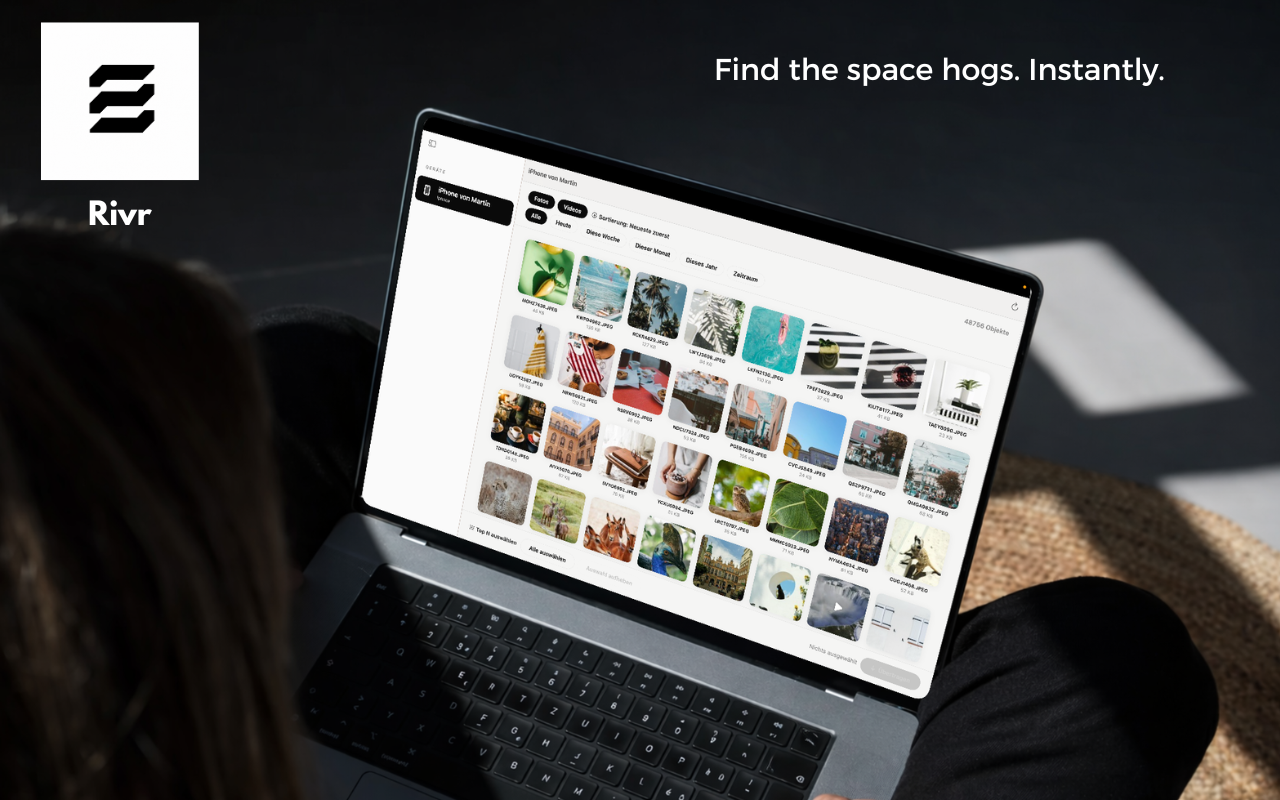
One click selects the 10, 50 or 500 largest files. Perfect when your iPhone storage is full and you want to free multiple gigabytes in under a minute.

Smart filters

Videos only. Photos from last month. Everything from that one trip. Filter by type, date and size, sort as you like, and select in seconds.

External drives

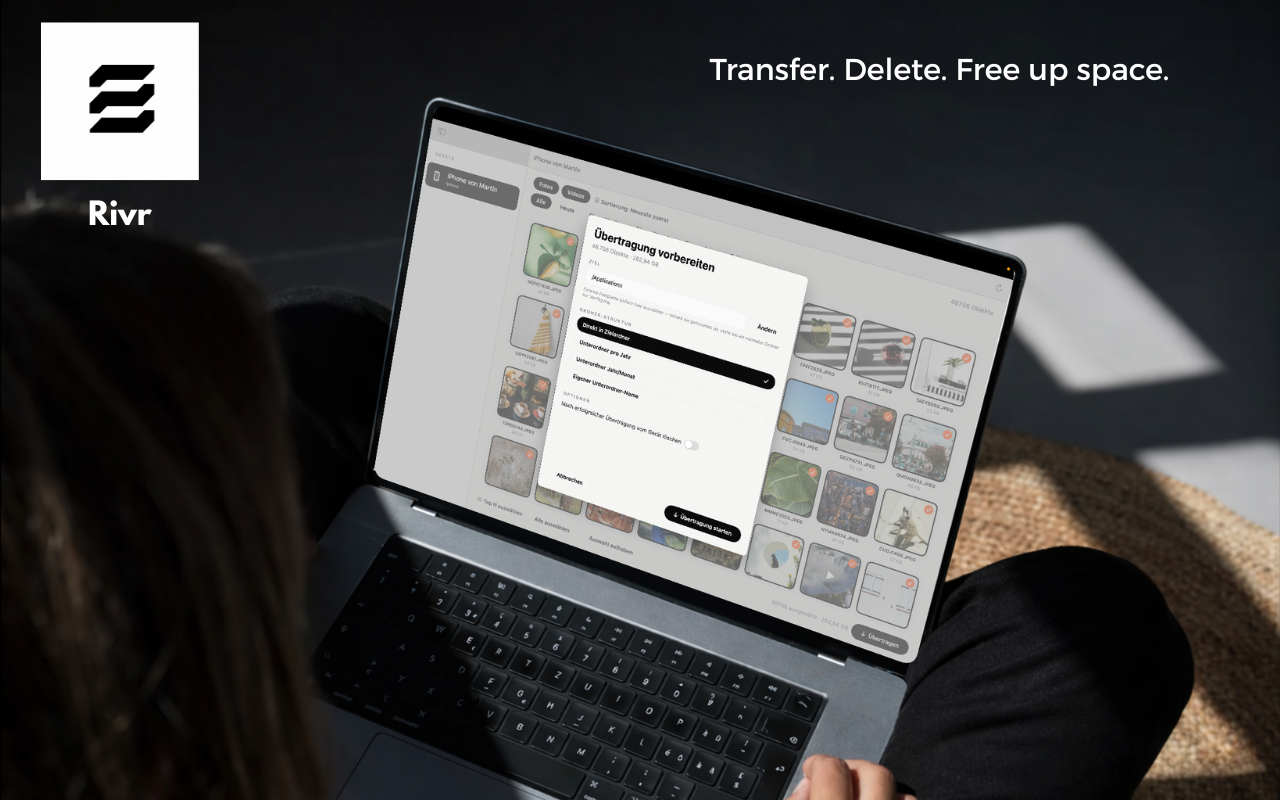
Transfer to any mounted volume — external SSDs, NAS mounts, even SD cards. Optionally auto-organized into year/month subfolders.

Delete after transfer

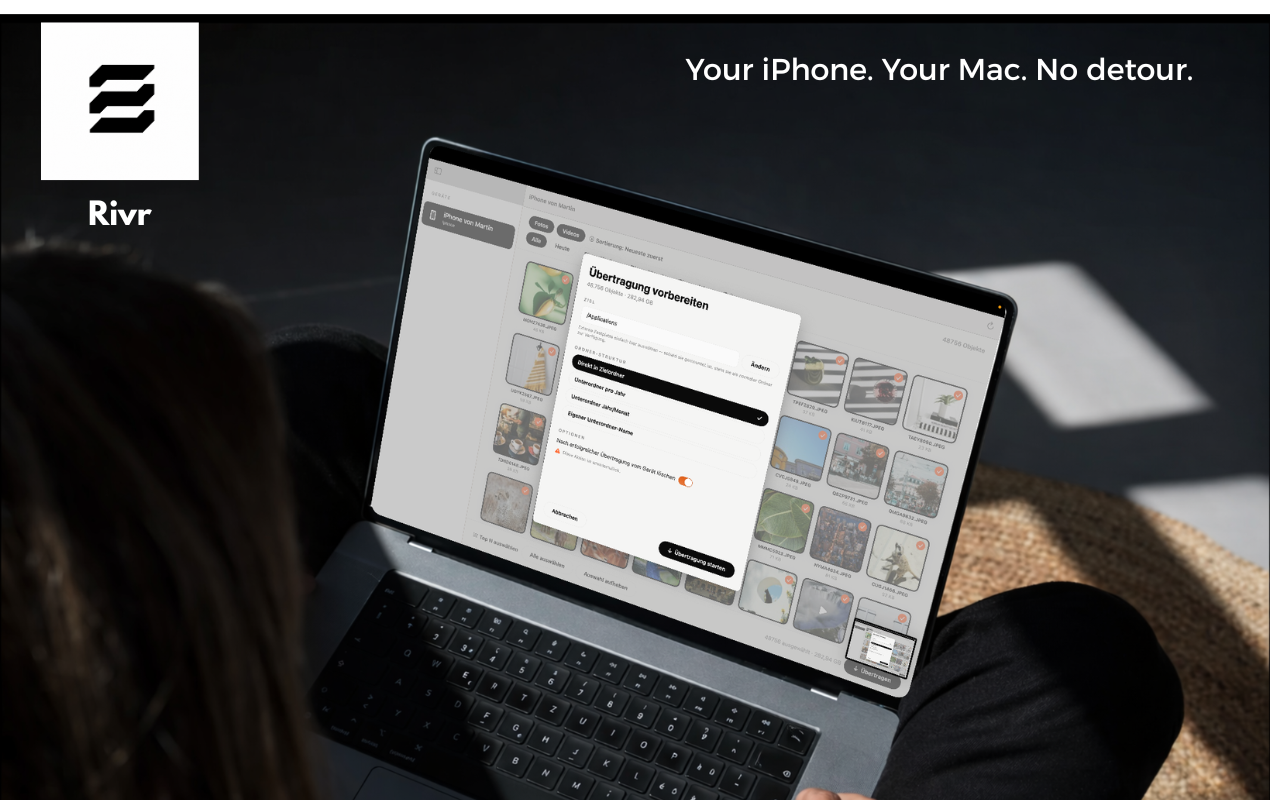
Optionally remove files from the iPhone after a successful copy — with confirmation. No silent deletes, no accidents.

100% local

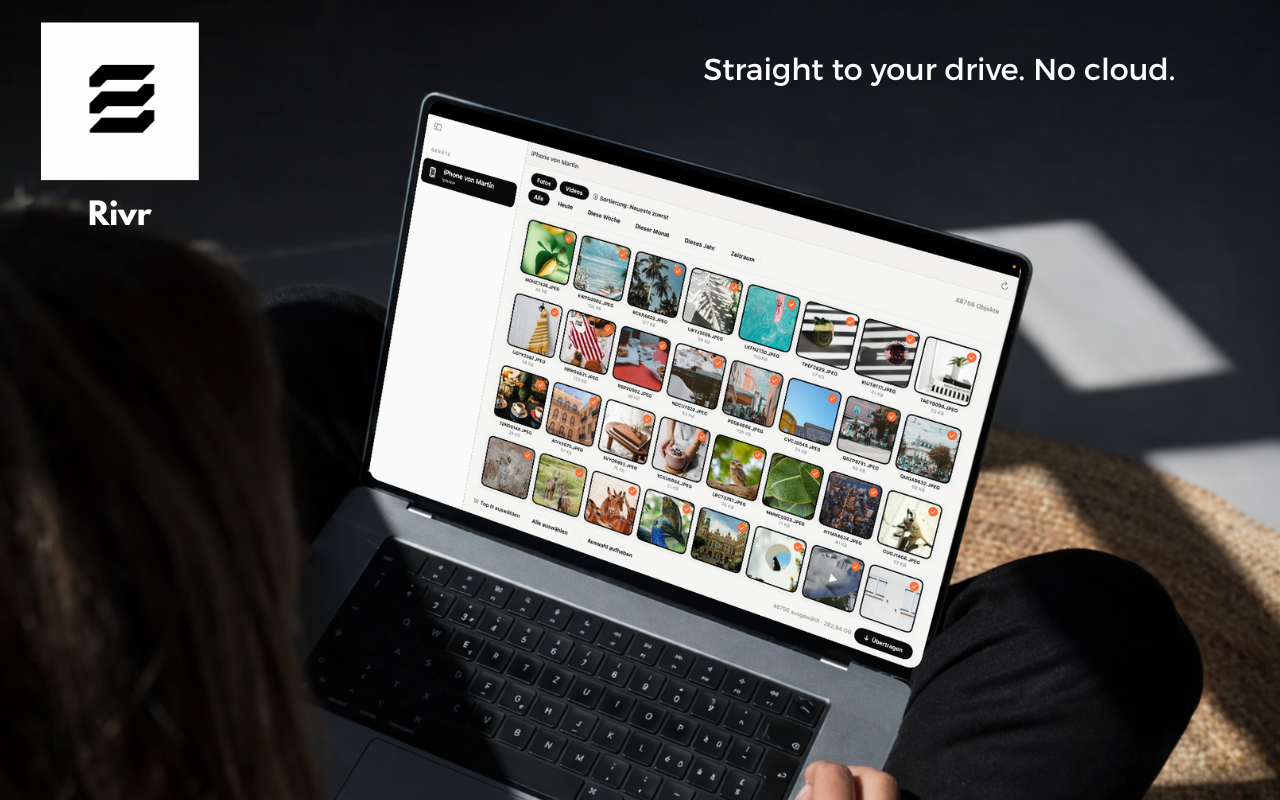
No cloud, no servers, no telemetry. Transfer happens only between the iPhone cable and your Mac. Your photos never touch the internet.

Drag-select & shortcuts

Rectangle-select like in Finder, Shift+click for ranges, Cmd+click to toggle. For power users who want to mark 500 photos in five seconds.

Ready in 60 seconds

Install. Plug in. Done.

Rivr is an ordinary macOS app — no App Store account, no sign-up, no registration screen. Just open the DMG, drop the app in, launch.

01

Download the DMG

Click Download Rivr — free, open the DMG and drag Rivr.app into your Applications folder.

02

First launch

Because the app isn't Apple-notarized yet: right-click → Open → Open. One-time step, double-click works from then on.

03

Connect your iPhone

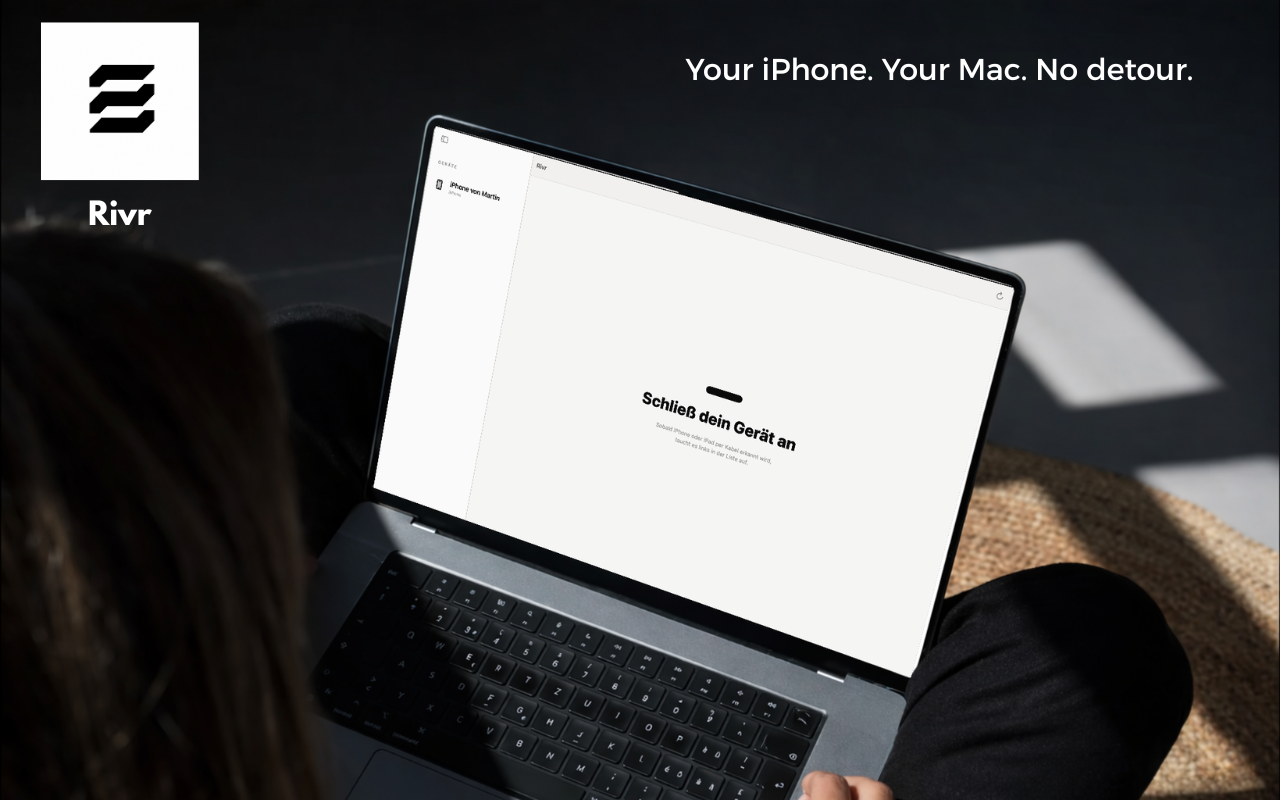
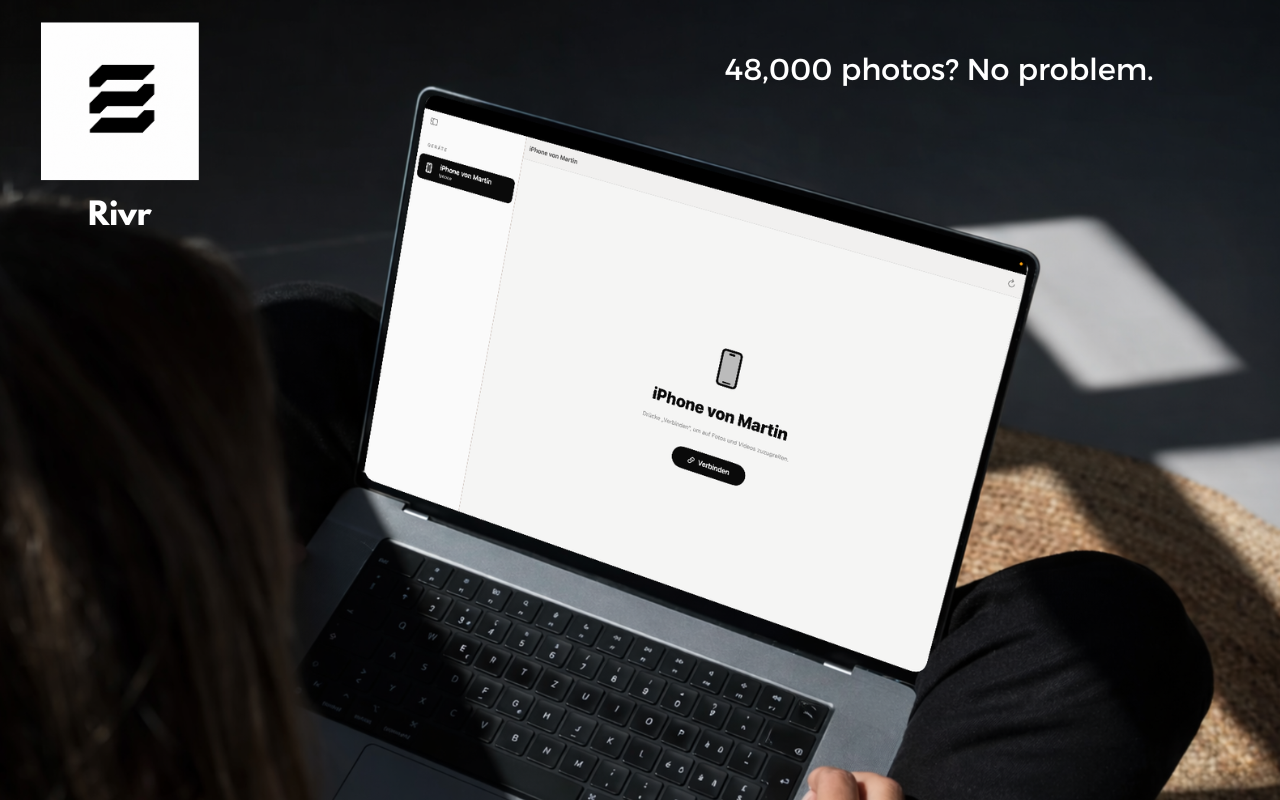
Plug in the cable, tap "Trust?" on the iPhone. Rivr lists all photos, videos and files — you pick what goes to the Mac.

Alternatives compared

iCloud, AirDrop, iMazing — where Rivr wins.

Three honest direct comparisons with the usual suspects for iPhone-to-Mac photo transfer.

FAQ

Everything about Rivr in 30 seconds.

Is Rivr really free?

Yes. Rivr is a free macOS app — no subscription, no in-app purchases, no trial timer, no email sign-up. You download the DMG, install the app and use it forever.

Does Rivr need iCloud or an internet connection?

No. Rivr transfers photos and videos exclusively over the USB cable between iPhone and Mac. No uploads, no cloud, no servers — works entirely offline, even in airplane mode.

Can Rivr transfer to an external drive?

Yes. Any mounted volume is a valid destination — external SSDs, USB sticks, NAS mounts, even SD cards. Optional auto-sort places files in year/month subfolders.

Will my photos be deleted from the iPhone?

Only if you enable it. "Delete after transfer" is an opt-in checkbox with a confirmation prompt before anything is removed from the device. By default Rivr only copies.

Why does macOS say "Rivr can't be opened" on first launch?

Rivr isn't Apple-notarized yet, so Gatekeeper blocks it. One-time fix: right-click Rivr.app → "Open" → confirm "Open" in the dialog. Double-click works after that.

Does Rivr run on Apple Silicon (M1/M2/M3/M4)?

Yes. Rivr is Universal — native on Apple Silicon and Intel Macs, macOS 13 (Ventura) and newer. No Rosetta translation, no performance hit.

Does it support HEIC, RAW and Live Photos?

Yes. Rivr transfers HEIC, JPEG, PNG, RAW formats (ARW, CR2, DNG etc.), MP4, MOV and Live Photos. Originals are copied 1:1 — no conversion, no quality loss.

Can I use multiple iPhones or iPads?

Yes. Rivr detects every connected iOS or iPadOS device. If multiple are plugged in at once, you pick between them in the sidebar.
New · Also free

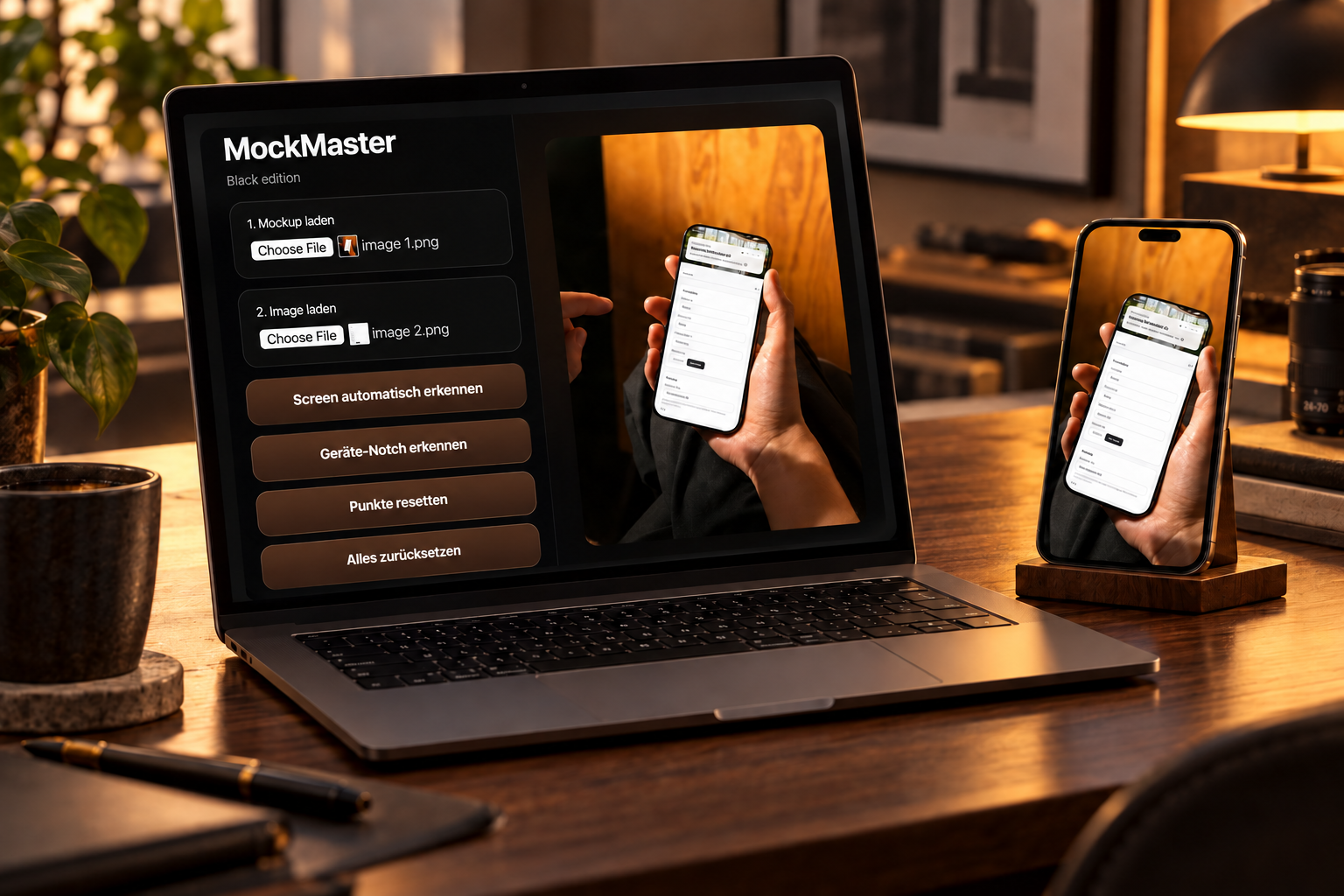
MockMaster — drop screenshots into device mockups.

Take a photo of a phone or laptop, drop your screenshot on top, done. MockMaster warps your app screenshot into any real photo perspective — with automatic notch detection, a corner-radius slider and a glass reflection layer. For App Store screenshots, landing pages, pitch decks.

MockMaster — an app screenshot precisely warped into a real iPhone photo